Tasks/Information & connectivity
An upazila’s government offices and published numbers
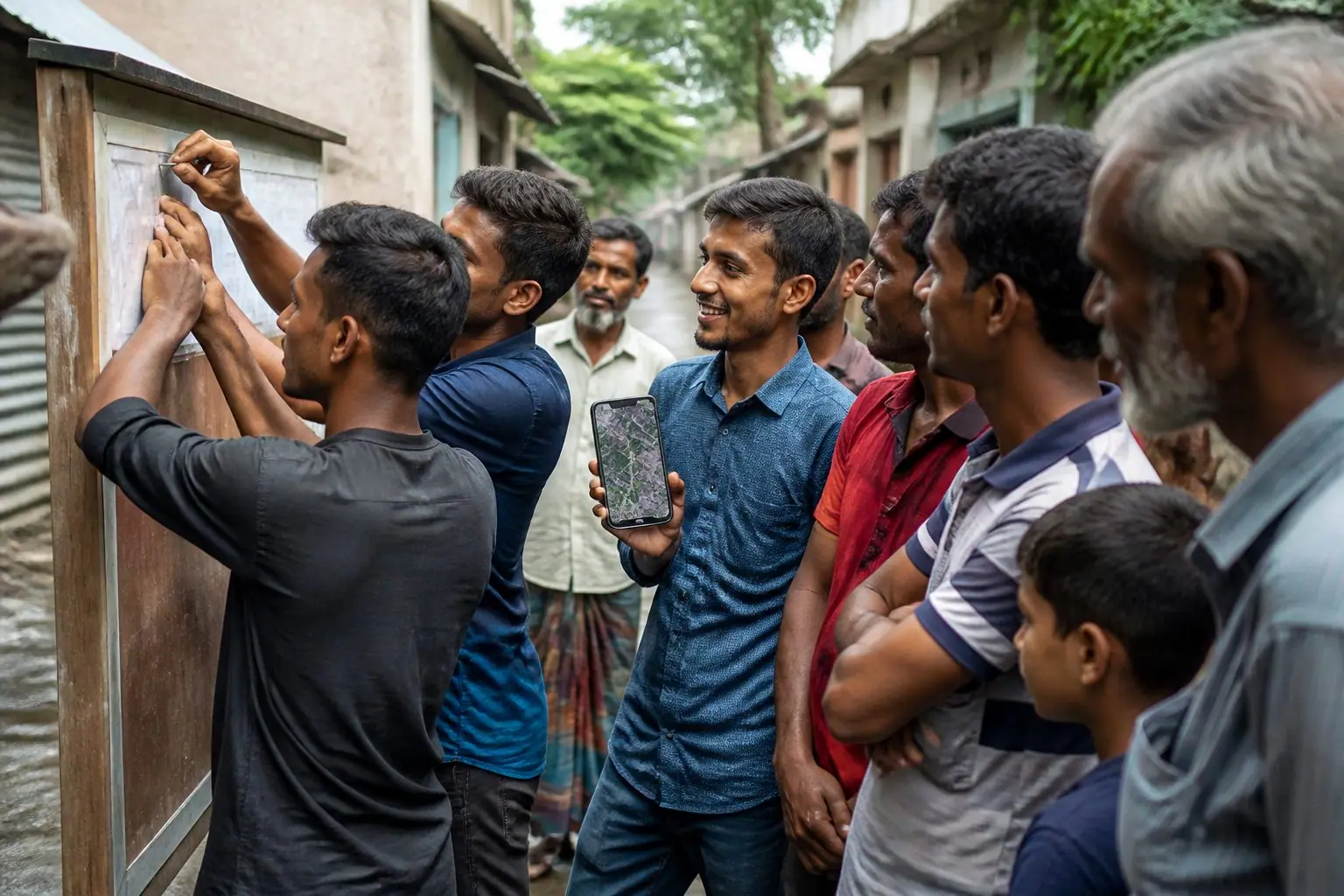
From an upazila’s official website, its government offices with their address and published phone numbers in one spreadsheet, a source link on every row, so a field team can make an emergency numbers board.
- Doable from anywhere
- 0/2 people
- About 6 hours
- 25
- points
About this task
Taking an upazila’s government offices from its official website into one spreadsheet: name, designation, address and published phone number, with a source link and the date read on every row so anyone can check. A field team can use the list for an “Emergency numbers on the wall” board.
Why it matters
In trouble, people do not know which upazila office to call. The numbers are on official websites, but finding them takes time. That search can be done from far away.
What changes after
A sourced list that a field team can print onto a board, or check by calling each number.
Who can join
Anyone who can use a spreadsheet, at home or abroad.
Step by step
0 of 4 steps doneHow to do it, in order.About 5.8 hours across all steps
- 1
Choose the upazila and find its website
From the national portal (bangladesh.gov.bd), go to the upazila’s own website; check that the address ends in gov.bd.
30 min
Not startedIn hand:Nobody yet - 2
Make the list
Each row: office, designation, address, published phone number, source link, date read. Such as the upazila executive office, upazila health complex, police station, agriculture, education and public health engineering offices — whichever have a published number.
240 minকম্পিউটার
Not startedIn hand:Nobody yet - 3
Check
A second person checks any five rows against the source page. If two pages give different numbers, note both and say so in a comment.
60 min
Not startedIn hand:Nobody yet - 4
Hand it in
An Excel (xlsx) file with the column names in the first row.
15 min
Not startedIn hand:Nobody yet
When it counts as done
- At least ten government offices listed
- Every row has a gov.bd source link and the date it was read
- No number from another website, a Facebook page or a guess
Proof required
- Document
Safety
Take only office numbers published on official websites; never anyone’s personal number or personal details.
The full guide
What it takes, and how to do it
Never done this before? No matter. The cost, the timeline, who does what, whom to speak to, the day hour by hour, the risks and ready words to send are all here.
- About
- ৳0–500
- People
- 2
- Time in all
- 6 hours
- Age
- 16 or older
Best timeAny time of year, in your own hours. Handed in before the cyclone and monsoon seasons (March–April, September), field teams can use it most.
PermissionNone; only information published on official websites is taken.
What it costs
Prices differ by district and season; this is a 2026 estimate. Keep receipts and put them in the proof.
| What | How much | Price |
|---|---|---|
| Mobile data or internet (nothing if you already have it)1 monthWhere: Mobile operator pack | 1 month | ৳0–500 |
| Software: free (LibreOffice, Google Docs or Sheets)—Where: Free online | — | ৳0 |
| Total (about) | ৳0–500 | |
Getting ready, step by step
Day one
- Choose the upazila and name it on the task page, so two people do not take the same one.
- Find the upazila’s gov.bd website.
Day two
- Fill the rows office by office; a source link and date beside each.
Day three
- The checker matches five rows.
- Hand in the Excel file.
Who does what
List maker1
Fills the rows from the website, with sources.
Checker1
Checks against the guide or source, asks questions, accepts.
Whom to speak to first
Site staff (the reviewer on the task page)
- Why
- They accept the file handed in and put it on the site.
- How
- At the start, write one line on the task page: what you will hand in, and when.
The upazila’s official website
- Why
- The only source; no number from anywhere else.
- How
- From the national portal, go by division, district, upazila.
The 333 national call centre
- Why
- You can ask it for government office information.
- How
- If the website lacks it, call and ask, and note in a comment that it came from 333.
The day, hour by hour
- 20:00Set the columns: office, designation, address, phone, source, date.
- 20:15Fill rows one by one from the website’s list of offices.
- 21:30Leave the number empty, with a comment, for an office without one.
- 21:45Save; send to the checker.
How to take the proof
- The final file is the proof; upload it on the task page.
- A source link and the date read on every row.
Common first-time mistakes
- Taking numbers from a Facebook page or another website.
- Not keeping the source link.
- Writing the officer’s name instead of the designation.
What can go wrong, and what to do
The website’s number is out of date
Note the date read; the field team will check by calling.
Someone’s personal details getting into the file
Keep no one’s personal phone number, address or ID details; if any slipped in, remove them and hand in again.
Ready words to send
Copy, fill the [brackets], send.
The spreadsheet’s first row
Office | Designation | Address | Phone (published) | Source link | Date read | Comment
Message to send to the field team
A list of the published numbers of [count] government offices in [upazila] is ready, with sources, read on [date]. File: [link]. Before putting them on a board, call each number once to check.
After it is done
- Note a date six months on to check again.
- Add which numbers the field team found not working.
Questions people ask
Can I do this from outside the country?
Yes. All of it is done on a phone or a computer; internet is enough. Hand it in on the task page.
Should I write the officer’s name?
No, only the designation. Names go out of date with transfers; the post and the office number stay.
What if the website has no number?
Leave the cell empty and say so in a comment. Do not guess. For government information, 333 can be called.